$44.99 USD
Sale price
$44.99 USD
Regular price
$67.82 USD
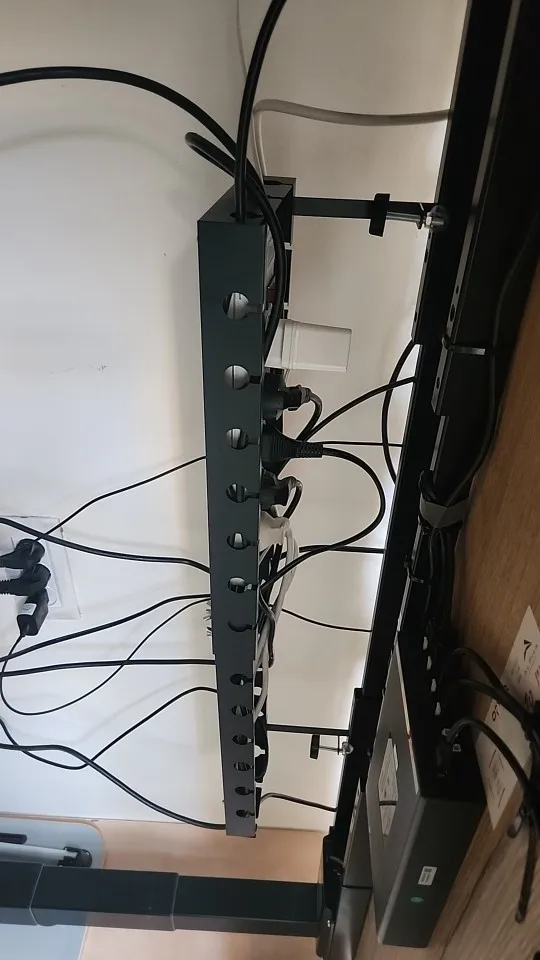
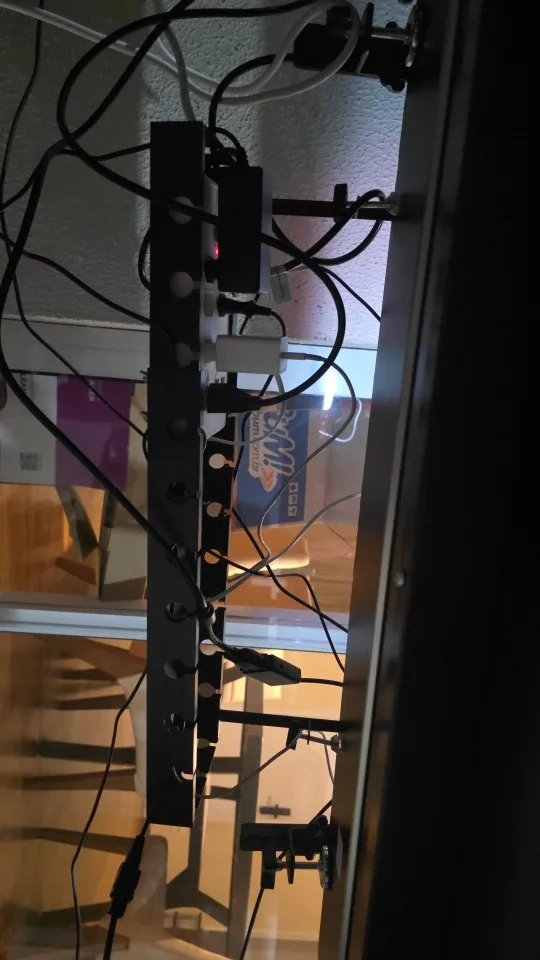
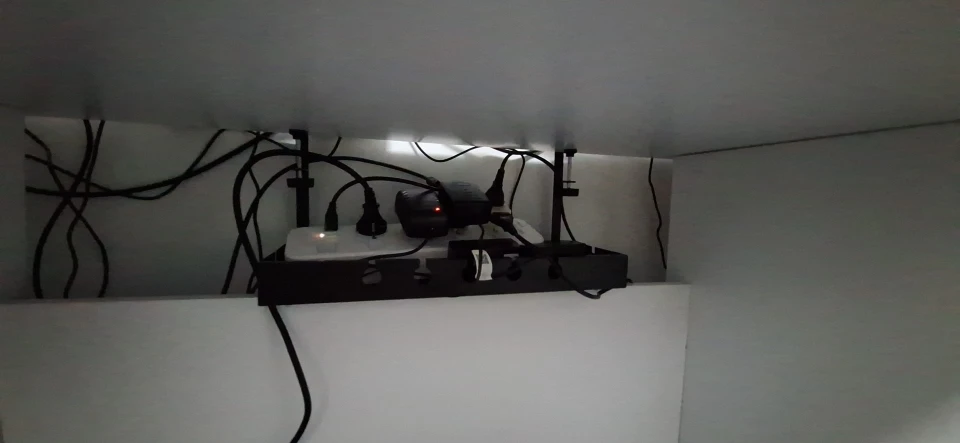
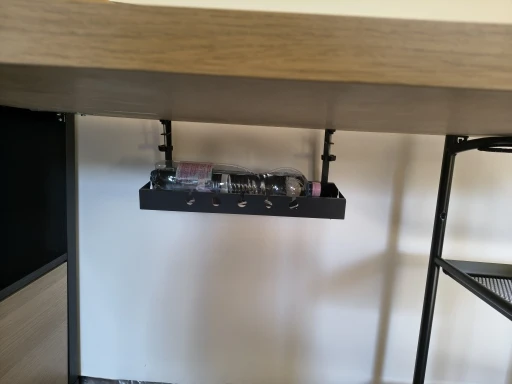
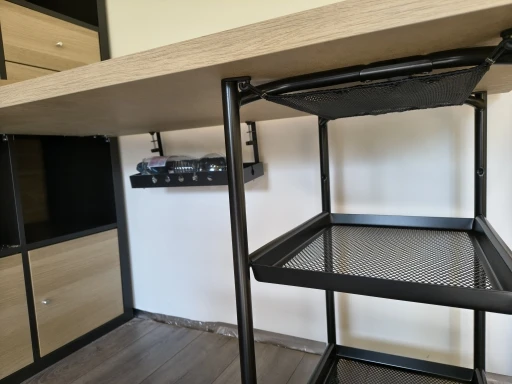
Keep your workspace tidy with the DeskCable Tray Pro, an under desk cable organizer designed to hold power strips, chargers, adapters, and loose cables. Its clamp-on mounting helps keep cords off the floor without drilling into your desk.
Features & Benefits
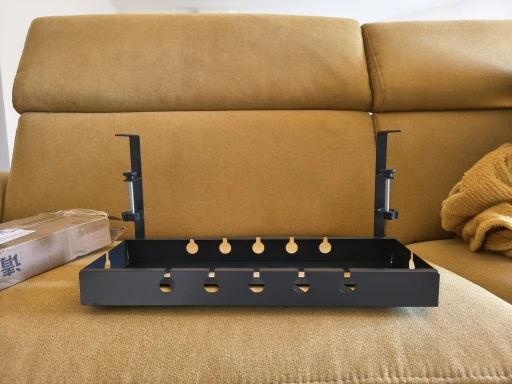
No-Drill Clamp Mounting
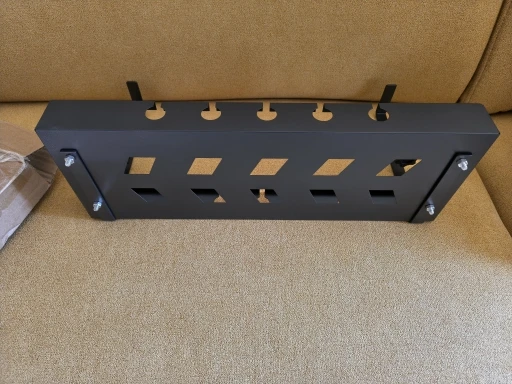
Attach the tray to a compatible desk edge using the clamp system. A screw-mount option is also listed for setups that require a more permanent installation.
Organized Cable Storage
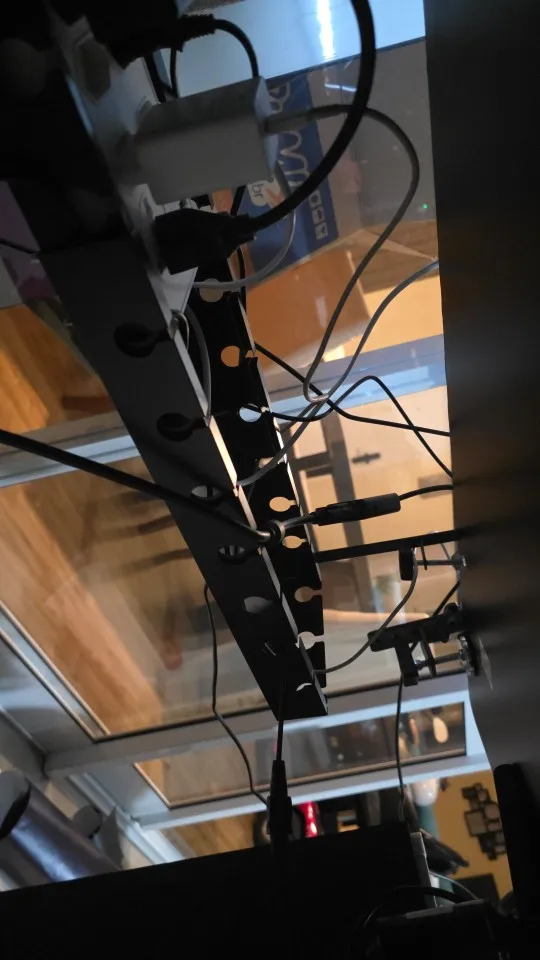
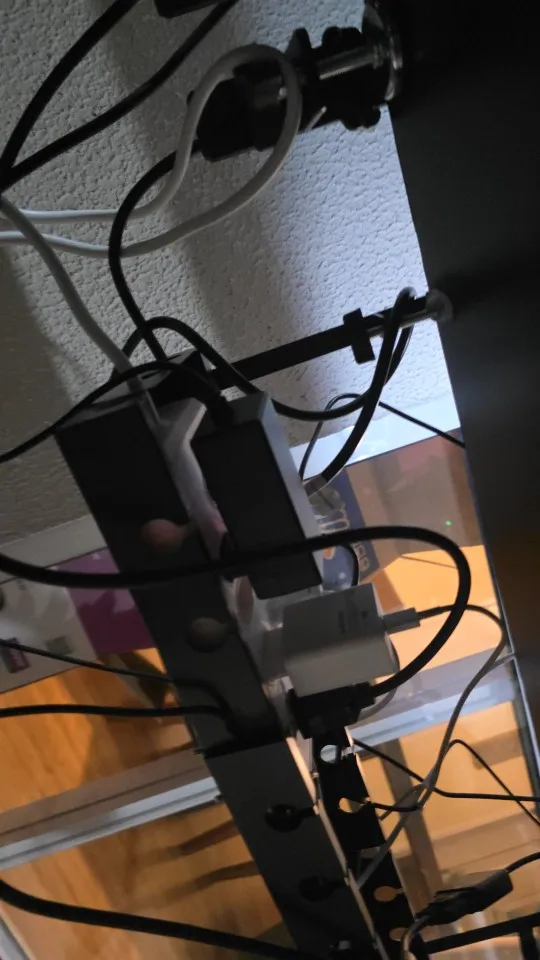
Keep power strips, adapters, chargers, and excess cable length together beneath your desk instead of scattered across the floor.
A Cleaner Workspace
Lifting cables off the floor helps reduce tangles, accidental snags, and obstacles when cleaning around your desk.
Suitable for Different Setups
Use the tray to organize cables in home offices, gaming setups, workstations, and compatible standing desks.
Who Is It For?
-
Home office users: Organize computer, monitor, and accessory cables.
-
Gamers: Keep power strips and loose wires arranged beneath a gaming desk.
-
Standing desk users: Manage cables beneath the desktop when the clamp fits the desk and frame.
-
Workspace organizers: Reduce visible cable clutter and keep floors easier to clean.
How to Install
- Check the underside and back edge of your desk for sufficient clearance.
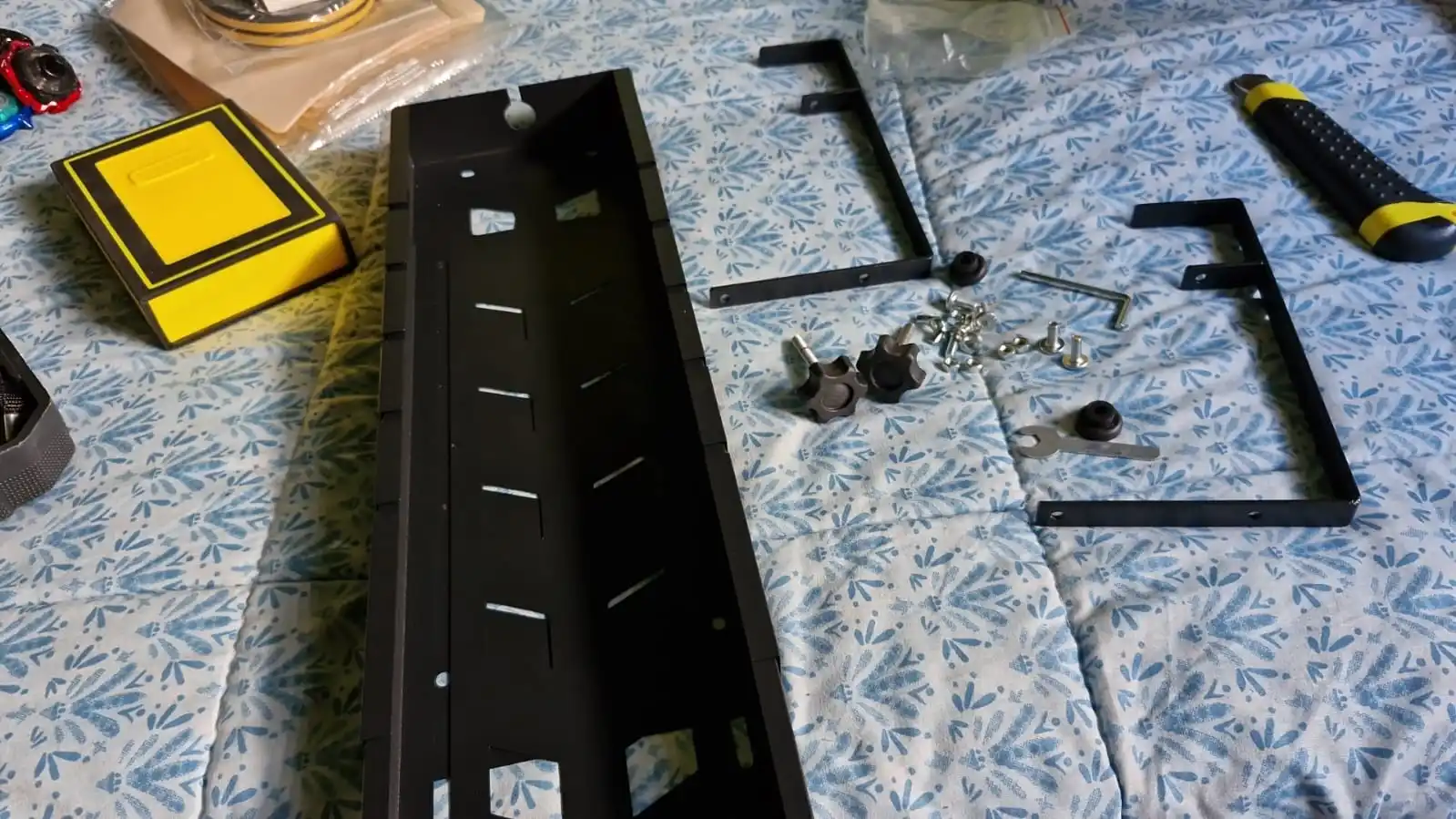
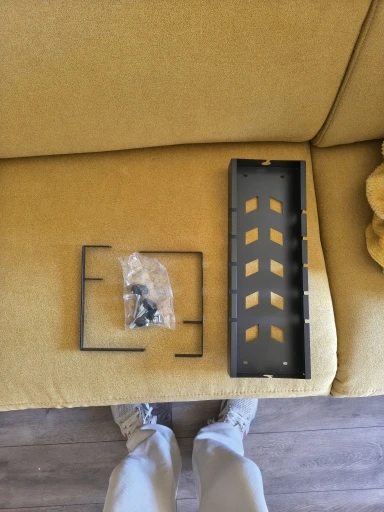
- Assemble the tray and mounting hardware according to the supplied instructions.
- Position the clamps on a compatible desk edge and secure them.
- Place your power strip, chargers, and suitable cable accessories inside the tray.
- Arrange the cables neatly and ensure they do not interfere with desk movement.
Product Details
-
Product type: Under desk cable management tray
-
Mounting: Clamp-on; screw mounting also listed
-
Colour: Black, according to the supplied product brief
-
Designed for: Power strips, adapters, chargers, and cables
-
Suitable for: Home offices, gaming desks, and workstations
Important: Use the tray for cable-management accessories rather than heavy equipment. Check desk-edge thickness and frame clearance before installation. Keep electrical connections accessible and follow the power strip manufacturer's safety instructions.
Frequently Asked Questions
Do I need to drill into my desk?
The listed clamp mounting option is designed to attach to a compatible desk edge without drilling. Screw mounting is also listed as an alternative.
Can I use it with a standing desk?
It may fit compatible standing desks. Check the space between the desktop and frame bars and make sure the mounting hardware fits securely.
What can I put inside the tray?
It is designed for power strips, chargers, adapters, and cables. Avoid placing heavy equipment inside it.
What material is the tray made from?
Check the confirmed product specifications or contact Sanrux for material details before ordering.
What colour is available?
The supplied product brief lists black. Check the available product options before checkout.